Mileage tracker & car logbook app

Every work trip.
Made clear.

An Australian mileage tracker for the work trips you choose. Tap Start, record GPS kilometres and routes, then export a clear PDF report. No automatic recording of every journey.

Download on theApp Store
Location tracking runs only during trips you start.

New users get a 14-day free trial, then 10 free trip records every month.

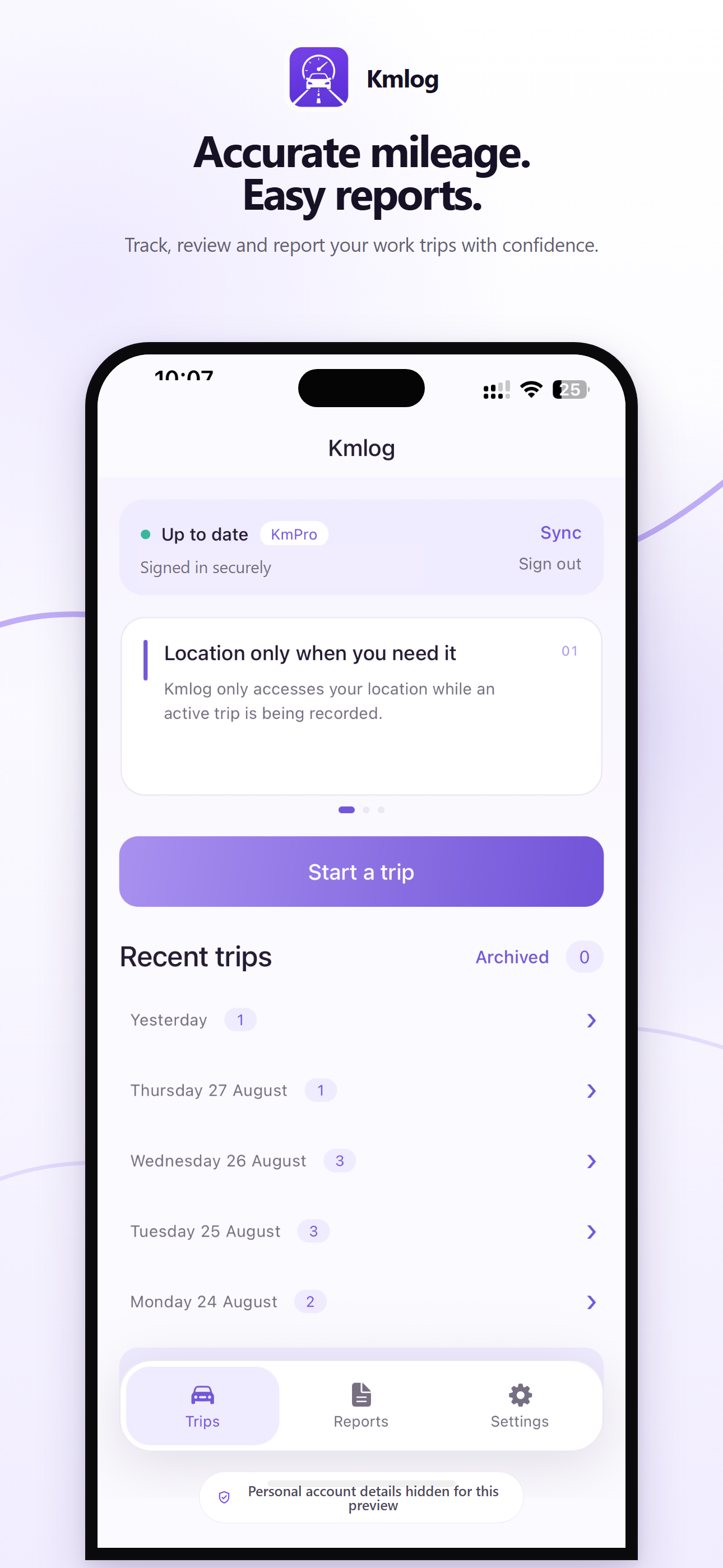
Kmlog app feature preview highlighting accurate mileage tracking, secure sign-in and easy reports
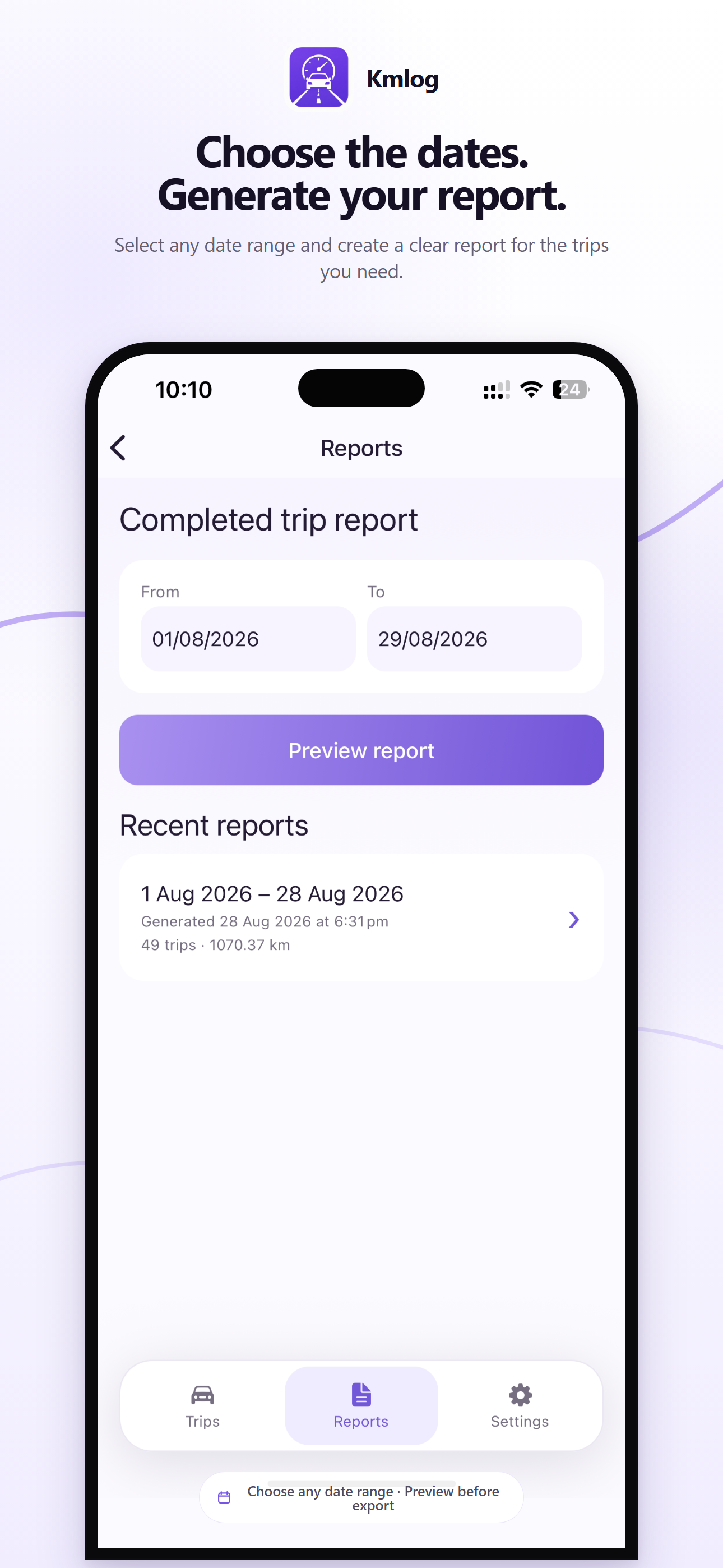
Kmlog app feature preview showing reports generated for a freely selected date range
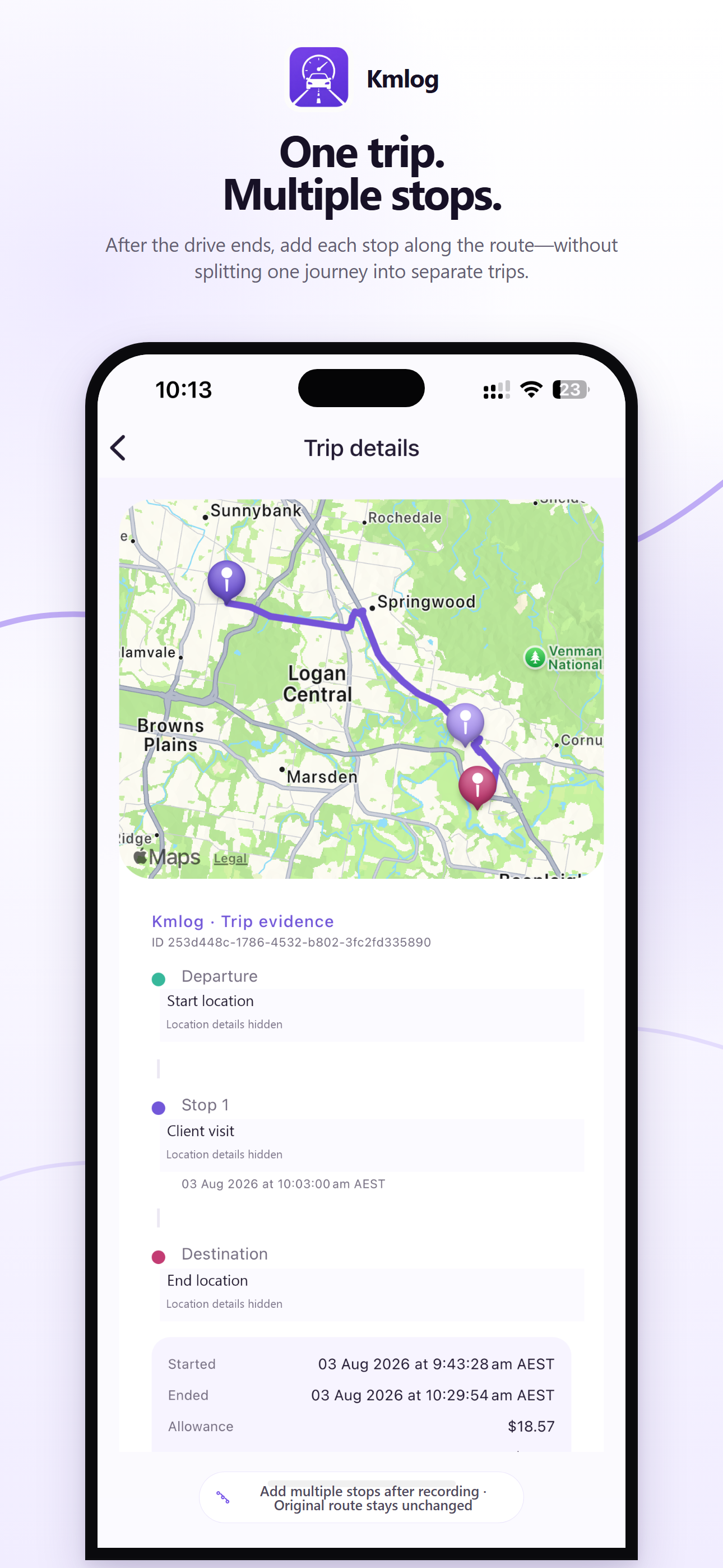
Kmlog app feature preview showing multiple stops added to one completed trip
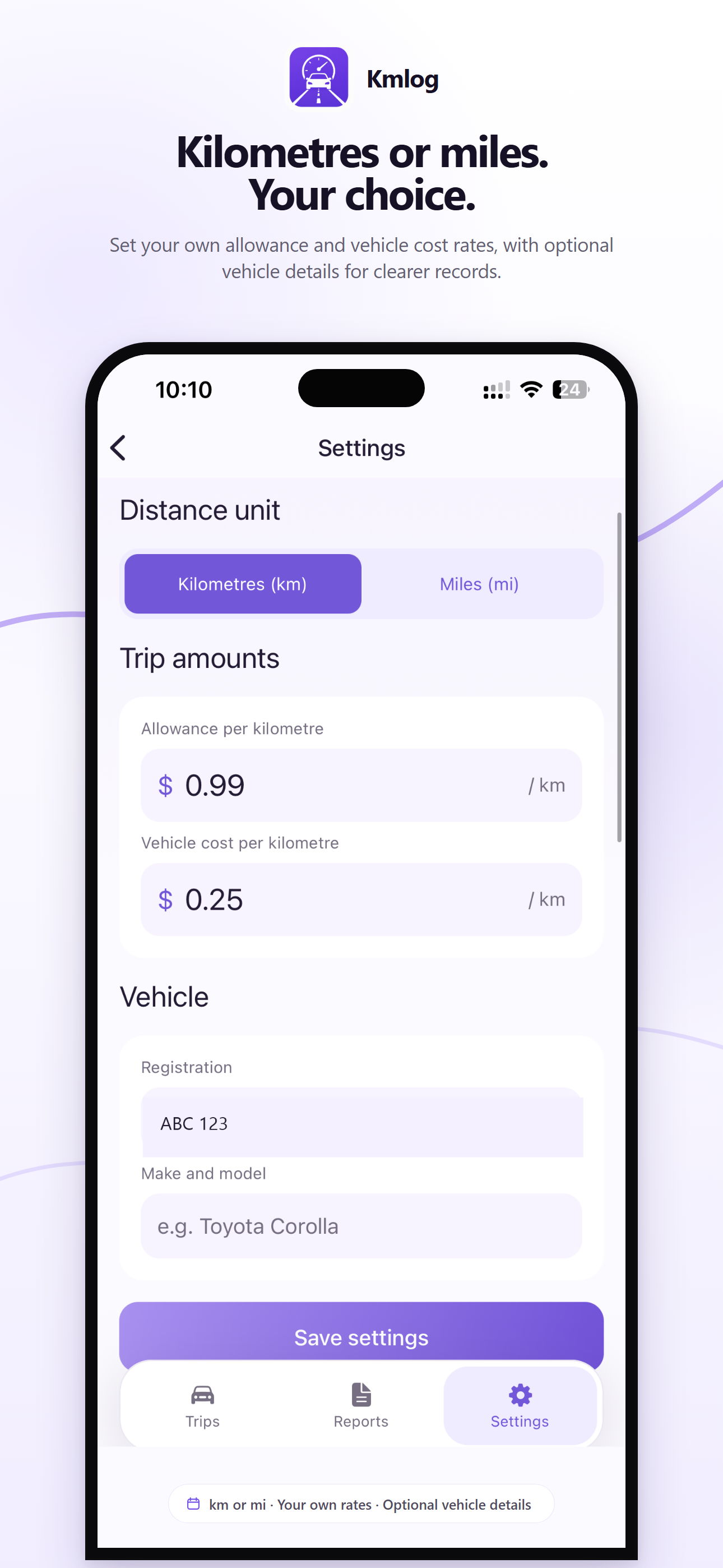
Kmlog app feature preview showing kilometre and mile units, custom rates and optional vehicle details
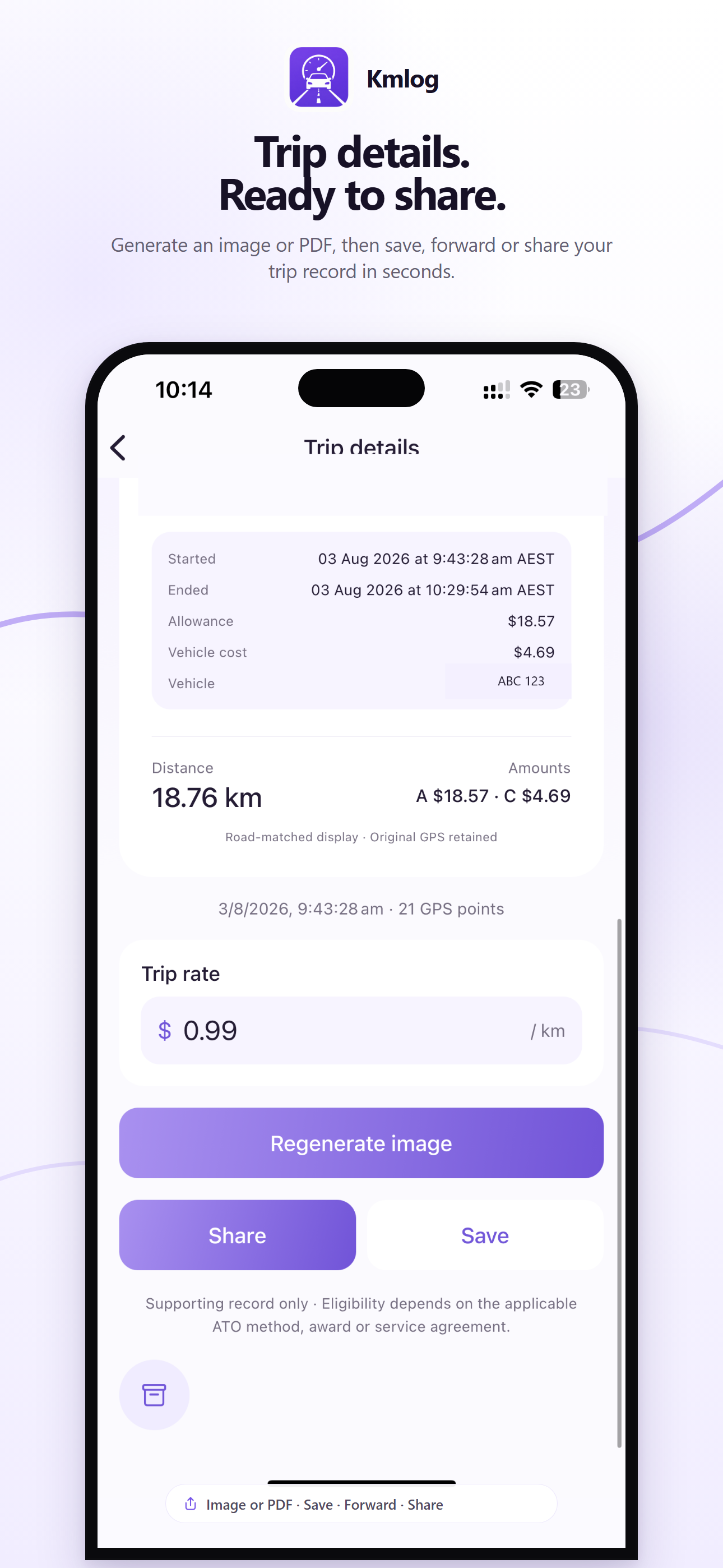
Kmlog app feature preview showing trip details generated as an image or PDF for saving and sharing

Looking for the next update? Multiple vehicle profiles, optional odometer readings and Find trips by date are described separately in the release notes. Check store availability before relying on them.

Record your way.

Choose the work journeys you record. Tap Start before driving and Stop after parking; GPS records the active trip.

  • Active-trip GPS tracking
  • Background route recording
  • You control when recording starts and stops
  • Local capture during temporary network loss

Keep your journeys together.

Return to recorded trips, review their details and use familiar place labels when you visit the same locations again.

  • Trip history and archive
  • Recorded distance, time and route
  • Review completed trip details
  • Saved places and route stops

Use the rate that applies to you.

Keep an agreed mileage allowance and an estimated vehicle cost separate. The app calculates amounts; your employer or client decides what they accept.

  • User-defined mileage rate
  • Separate estimated vehicle cost
  • Kilometre or mile display
  • Trip and report amount summaries

Build clearer supporting records.

Review completed trips and generate a report for the dates you choose. Save a copy for your records or share it for review.

  • Work purpose and trip details
  • Image and PDF reports
  • Choose a report date range
  • Unchanged saved report snapshots

How Kmlog works

A direct five-step workflow, designed to stay out of the way while you work.

  1. 01

    Start trip

    Tap once when your work drive begins.

  2. 02

    Drive normally

    Kmlog records the active route while the trip is running.

  3. 03

    End trip

    Stop recording when you arrive.

  4. 04

    Review the record

    Check the route, places, distance, purpose and optional details.

  5. 05

    Find and report

    Return to past trips and create a clear image or date-range PDF.

Who uses Kmlog

Built for work that moves.

For individuals who drive between jobs, appointments and customer locations.

  • Support workers
  • Nurses & care workers
  • Sales representatives
  • Real estate agents
  • Tradespeople
  • Contractors
  • Couriers & delivery
  • Field technicians
  • Sole traders
  • Small businesses
  • Company employees

See the report

Know what you are sharing.

Inspect a sample PDF before you start. See the trip dates, locations, distances and amount summaries, with a plain-English explanation of what each field means.

Date-range PDF Demonstration data only

Two trips. One clear summary.

21.00 km across two fictional journeys. Created with the basic Kmlog report template, not a customer record.

View the sample and field guide

A lighter logbook

Less admin after every drive.

Kmlog keeps the convenience of a digital mileage log without asking you to configure a complicated fleet system first.

CapabilityKmlogSpreadsheetPaper logbook
Capture distance during a driveUser-started GPSEnter separatelyWrite separately
Keep dates and locationsRecorded trip detailsManual entryManual entry
Calculate mileage amountsConfigured rateSet up formulasCalculate separately
Share a date-range reportImage or PDFSet up an exportCopy or scan
14 days free for new users10 free trip records every month

FAQ

What is Kmlog?

Kmlog is a mileage tracker and car logbook app built in Australia for people who drive for work. You start and stop each trip, review GPS distance, route and time, add a work purpose, and export supporting records as images or PDF reports.

Is there a free mileage tracking plan?

New Kmlog users get a 14-day free trial. The free plan then includes 10 trip starts each month. Optional KmPro subscriptions provide unlimited trip recording; current prices are shown in the app.

Can I track kilometres for reimbursement?

Yes. Record your work trips, add the purpose and use your agreed per-kilometre rate to prepare supporting mileage records. Export a date-range PDF for review. Your employer or client determines which trips and rates they accept.

Is Kmlog available on iPhone and Android?

Kmlog is available for iPhone on the App Store. The Android app is currently in testing, with public Google Play availability still to come. The download buttons on this website show current availability.

What does Kmlog record?

During a trip you start, Kmlog records location points used to calculate the route, distance and timing. After the trip, you can review nearby places, add optional work details and create a report.

Does Kmlog track me all the time?

No. Kmlog starts location recording only after you tap Start a trip. The active location task stops when you tap Stop trip. Background permission lets that trip continue while the screen is locked.

Does Kmlog work without mobile data?

Active trip data is written to the device first, so a temporary loss of network access does not stop local recording. Cloud synchronisation, address search and route matching require a connection when they run.

How does background GPS affect battery?

Location use consumes battery while a trip is active. Kmlog does not run continuous automatic tracking outside trips you start, which keeps the recording window under your control.

How do I find an older trip?

Open trip history to review saved journeys. The next app update adds Find trips, a calendar for browsing by date; check the release notes for availability.

Can I manage more than one vehicle?

The next app update adds vehicle profiles, a default vehicle and a per-trip vehicle choice. Each vehicle can keep its own kilometre or mile unit and optional odometer suggestions.

Can I add odometer readings?

Optional odometer readings are planned for the next app update, not the current public feature set. They will stay separate from GPS distance. Check the release notes and your installed version before relying on them.

Can I export my mileage records?

Yes. Kmlog can create a trip image or a date-range report as an image or PDF. The next update can also add selected vehicle details and an optional vehicle usage summary to new reports. Previously saved report snapshots stay unchanged.

Does Kmlog decide whether a trip is tax-deductible?

No. Kmlog can help you keep supporting records for work-related vehicle travel, but tax eligibility depends on your circumstances and applicable rules. Additional records may be required.

When will the next features be available?

Kmlog 1.1.4 has been submitted to the app stores. Public availability may vary by platform and store review. Features labelled Next update are not part of the current public version until that update appears in your store.

Work mileage guides

Make the record useful.

Practical examples for recording, reviewing and sharing your work journeys.